
Close
Equipment and software list, current as of September 2026. Updated periodically as gear and tools are upgraded to the latest ones; always call or message us if you need to confirm current specs for a specific project.
Quick answer: Creative Engine owns and operates its full production and post-production pipeline in-house, from Sony and Blackmagic cinema cameras to RTX 5090 rendering workstations running Blender, DaVinci Resolve, and the Adobe Creative Suite, with our own secured local server for footage handling. We scale the equipment, software, and crew to match your budget, not the other way around.
Why this page exists
This page will show you exactly what we shoot, edit, and render, with clear transparency on quality and budget. Video equipments are provided according to your budget and requirements. We decide what to bring to your shoot, so there are no surprises on budget or capability before you commit.
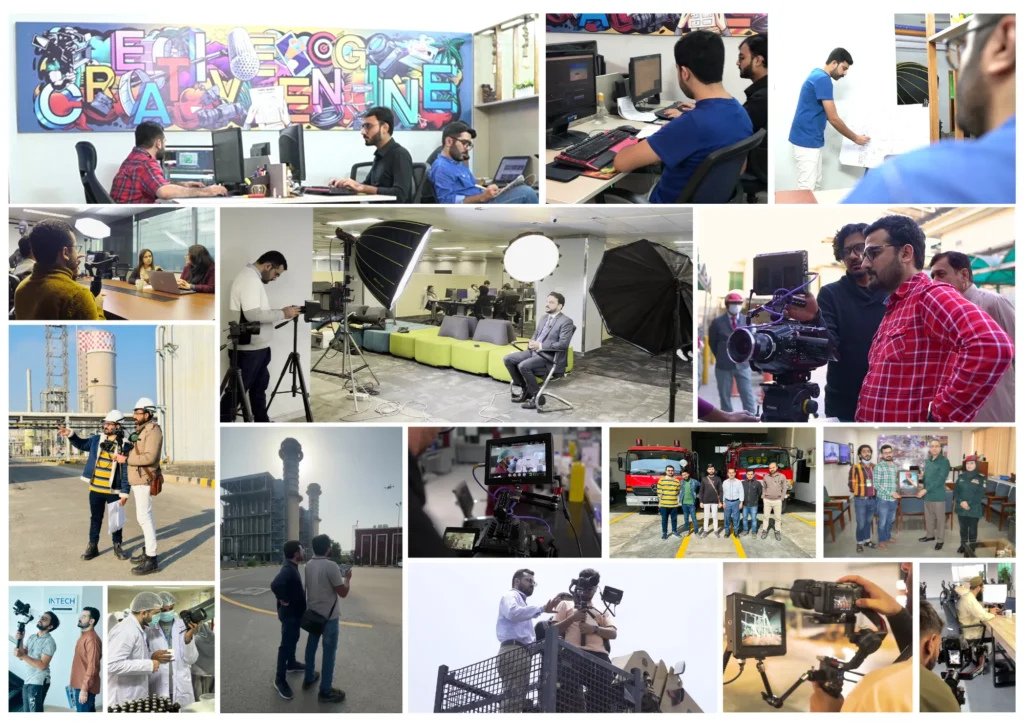
At Creative Engine, we specialize in technical video production, 3D industrial animations, and precise process documentation for heavy industries. We translate complex engineering workflows into direct, high-impact B2B visual assets that immediately communicate value to stakeholders, investors, and technical buyers.









Standard tier: Standard does not mean low quality; it’s Creative Engine’s basic standard for corporate videos, social content, interviews, and smaller-budget projects that don’t require cinema-grade camera and glass:
Cinema / high-end tier: for international expo films, brand films, HSE orientation videos, and multi-camera corporate documentaries:
Lenses:
We match the camera tiers according to the project’s budget and visual requirements during scoping and quotation, not by default to whatever is “top of the line.”
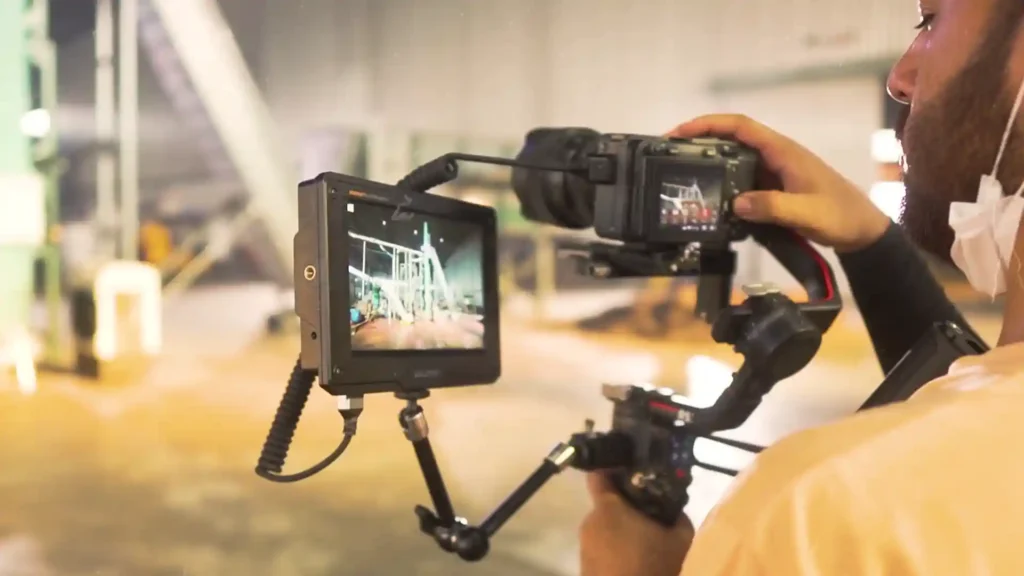
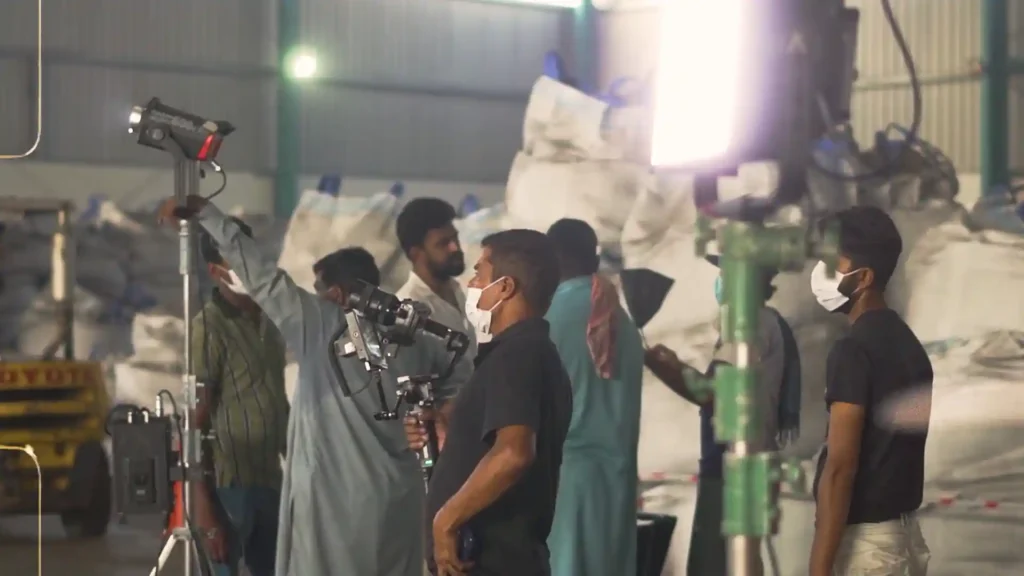
For run-and-gun or budget-conscious shoots, we also work entirely lighting-free using trained videographers who know how to use available light, see the Crew section below.
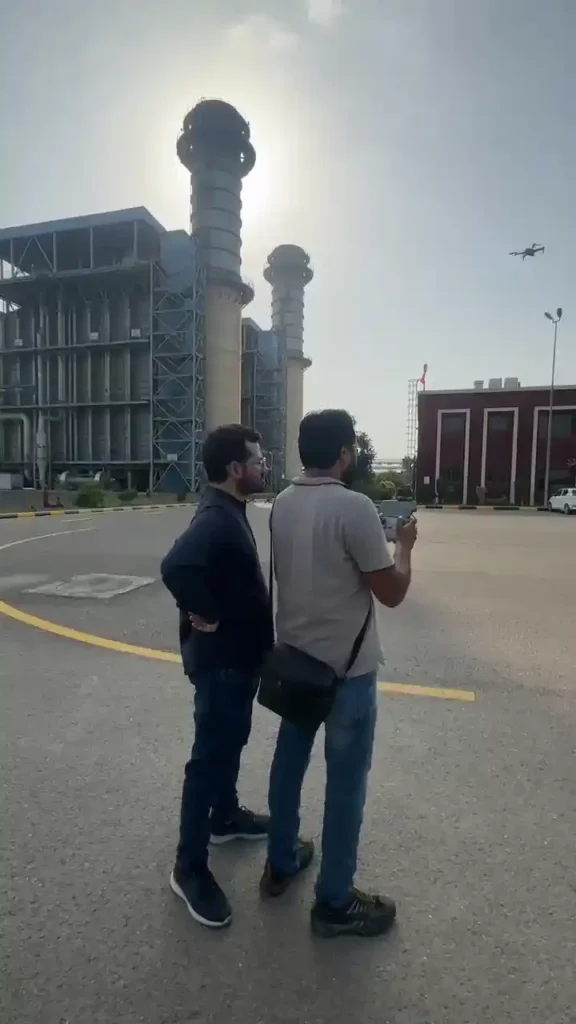
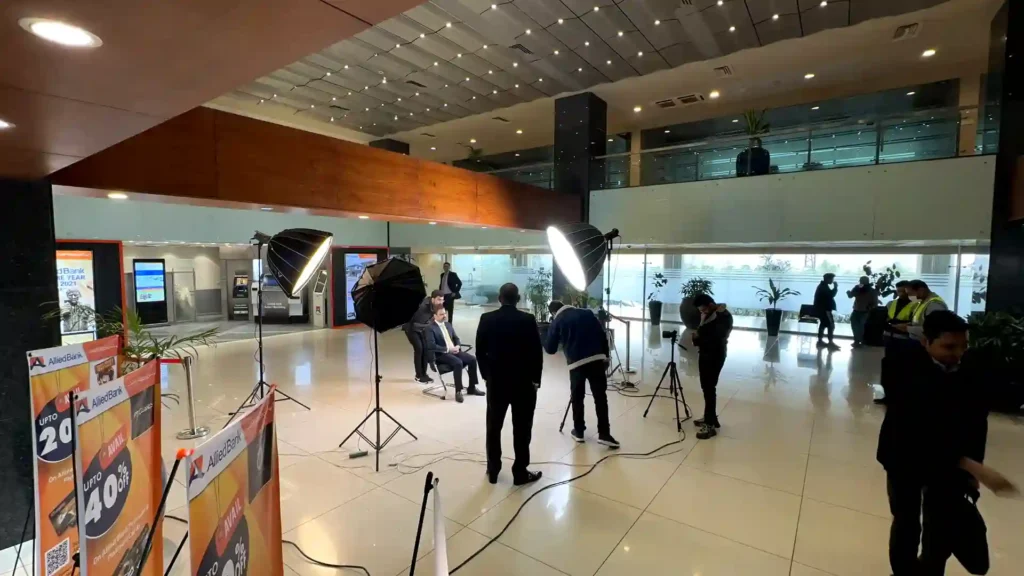
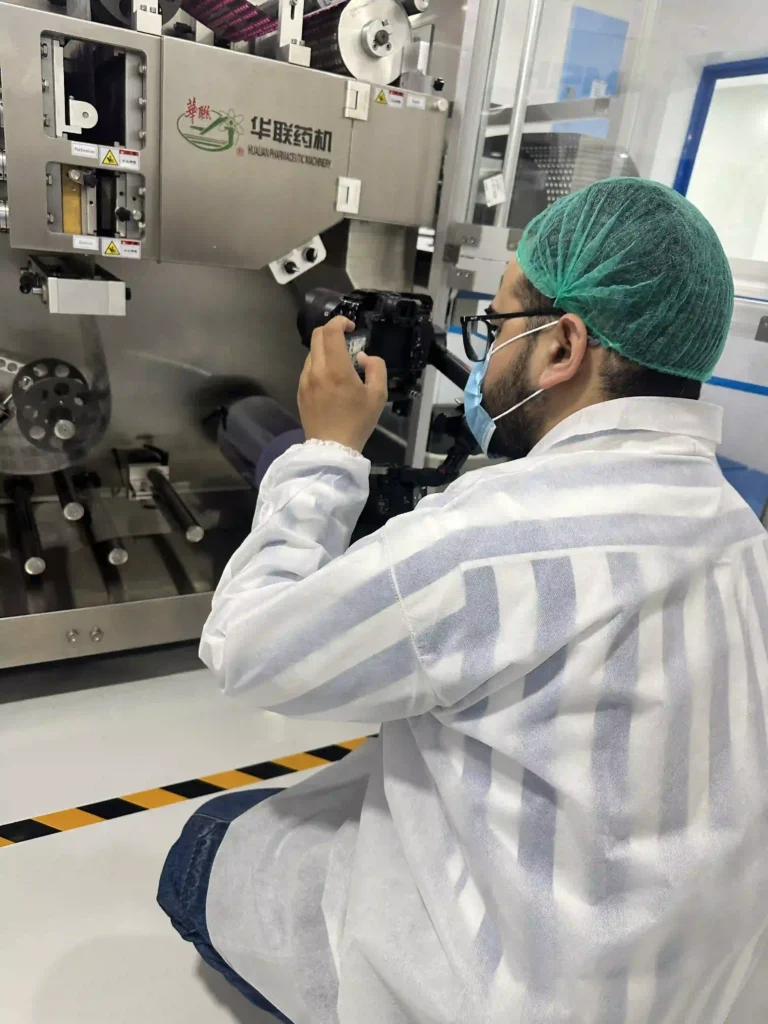
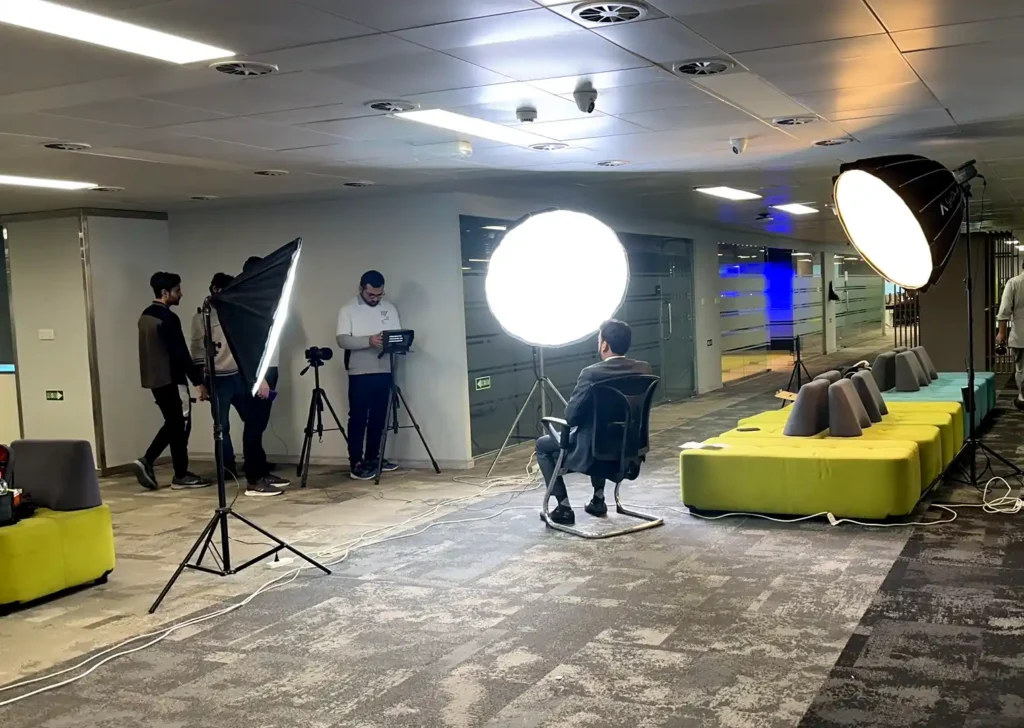
Software is selected according to project requirements:
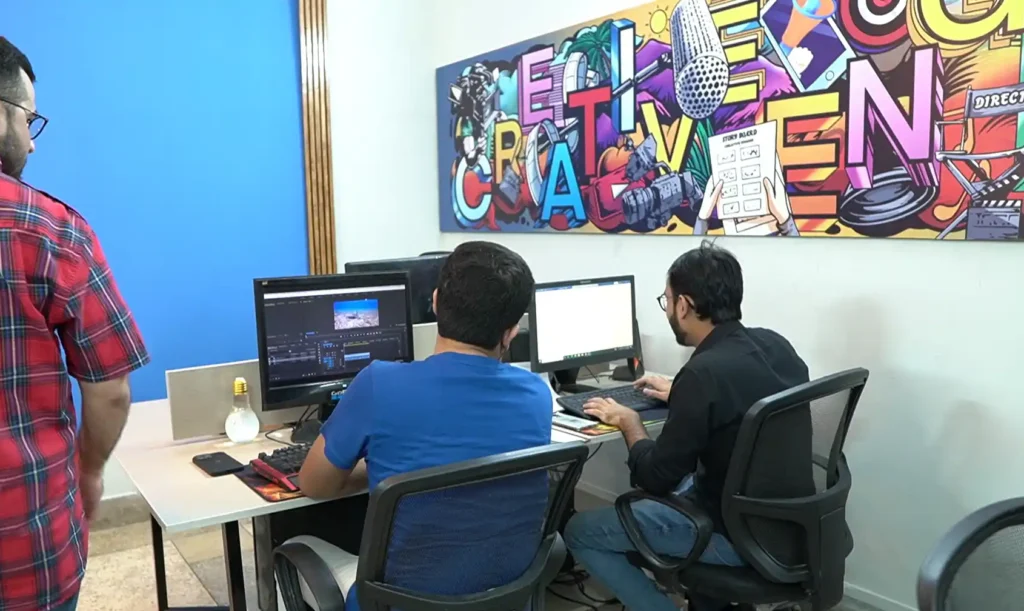
We don’t have a fixed “package” crew size. Every shoot is staffed according to what the project actually needs:
This isn’t a compromise tier — it’s a deliberate model. Several projects for our banking-sector clients have been shot entirely in this lean format, exactly matched to the client’s requirements and timeline, without sacrificing footage quality.
The takeaway: if you’re a smaller business or working with a tighter budget, you are not priced out of working with us. We scope equipment, software, and crew size to your actual requirements. Tell us the goal and the budget, and we build the right-sized team and pipeline around it.
Do I need a big budget to work with Creative Engine?
No. We scale our camera package (from Sony a6400 up to FX5/FX6), lighting, software workflow, and crew size to match your budget and project requirements.
Is all your equipment and software owned/licensed in-house, or outsourced?
All camera, lighting, drone, audio, monitoring, and post-production/rendering equipment listed here is owned and operated by Creative Engine, and edited using our own licensed software. We don’t outsource core production or rendering work to any third-party facilities.
Can you shoot without a full crew and lighting setup?
Yes. For quick-turnaround or budget-conscious shoots, we deploy a single trained videographer capable of capturing broadcast-quality footage without additional lighting or support crew.
What software do you use for 3D animation and rendering?
3D modeling, texturing, animation, and rendering are done in Blender on RTX 5090 workstations, with rendered footage brought into After Effects for text animation and motion graphics.
How do you handle footage and data security during production and editing?
On-set footage is backed up to SSDs linked to a DIT laptop, then consolidated onto our in-house HP local server. Editors, colorists, and animators all work from that single server over our local network — the server is not internet-accessible, so client footage is never exposed to public cloud storage.
How do you quality-check footage before delivery?
Final HSE and SMD footage is checked on a dedicated 4K display specifically to catch pixelation or clarity issues before any file is sent to a client.
………
We consolidate all footage onto our in-house HP local server, accessible from multiple workstations so editors, colorists, and animators can work from a single source, without duplicating or emailing files between specialists. Critically, this server is not internet-accessible: it can only be reached from our local network, not remotely. For clients sharing proprietary product designs or unreleased machinery footage, that means your material never touches a public cloud service.
NOTE: This page reflects our equipment and software roster as of September 2026. As we upgrade our equipment and tools to the latest versions, this page will be updated to reflect current capability.
Share your project scope. Our creative team will connect with you to provide a personalized solution.